How to Find the Right Recruiter for Your Job on LinkedIn
Messaging a random recruiter is why most people get ignored. Here's how to find the one person at a company who actually hires for your kind of role — and how to check they do before you reach out.
Why Messaging Just Any Recruiter Gets You Ignored
You found a company you'd love to work for, you searched "recruiter" on LinkedIn, and you sent the first three people a polite note. Weeks later: silence. It's a common outcome, and it usually has nothing to do with your background.
Big companies have many recruiters, and they don't all hire for the same thing. One handles engineering, another sales, another warehouse operations. If you message a recruiter who has never hired for your kind of role, your message isn't rejected — it's just not theirs to act on. It quietly gets set aside.
So the goal isn't to reach a recruiter. It's to reach the right one: the person who actually sources candidates for roles like the one you want. Finding that person takes about ten minutes, and it's the single biggest thing you can do to get a reply. Here's a simple filter to get there.
Where Recruiters Actually Hang Out: The Company People Tab
The fastest way to find a company's recruiters is the company's own page, not the general search bar.
- Go to the company's LinkedIn page.
- Click the People tab.
- In the search box on that tab, type a title one at a time: recruiter, then talent acquisition, then sourcer.
Each term surfaces a slightly different slice of the hiring team, so try all three. You can also add your city or region if the role is location-specific — recruiters often "own" a geography even at remote-friendly companies.
If the job posting itself names a recruiter or "talent partner," start with that person. They're the one closest to the role.
Know the Titles: Recruiter, Talent Acquisition, Sourcer
The hiring team uses a few different titles, and knowing what each one does helps you pick:
- Sourcer / Talent Sourcer — finds and reaches out to candidates early in the process. Often the most responsive to a good message.
- Recruiter / Talent Acquisition Specialist / Partner — runs the hiring process for specific roles. Your most common target.
- Recruiting Lead / TA Manager / Head of Talent — manages the team. Usually too senior to be your first contact unless the company is small.
For most early-career searches, a recruiter or sourcer who covers your function is the sweet spot.
The Right-Recruiter Filter: Function, Level, Recent Activity
Once you have a few names, run each one through three quick checks before you spend a message on them.
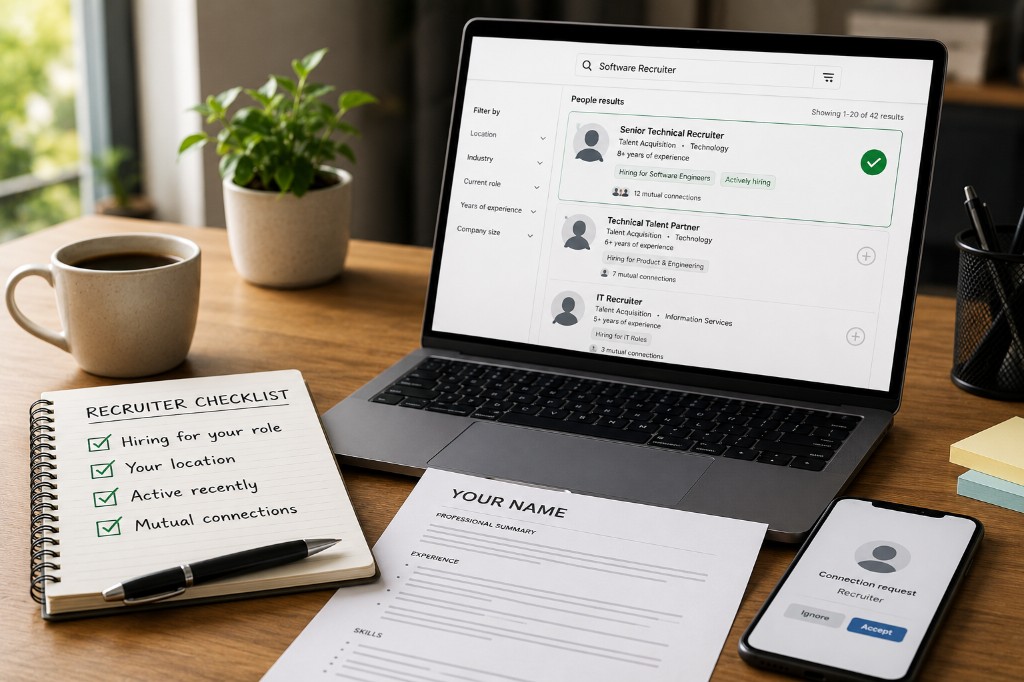
- Function — Do they hire for your area? A "technical recruiter" is right for an engineering role and wrong for a marketing one. Look at their headline and About section for words like engineering, sales, design, finance, or early careers. This is the check most people skip — and exactly why the wrong recruiter never replies.
- Level — Do they hire for roles at your stage? Someone who only staffs senior leadership won't know your entry-level opening exists. Their recent posts and placements usually make this obvious.
- Recent activity — Are they currently hiring? Scan their recent posts and activity. If they've shared roles in your function in the last couple of months, they're active and worth contacting. If their profile has been quiet for a year, pick someone else.
If a recruiter passes all three, they're a real target. If they fail even one, move on — a great message to the wrong person still goes nowhere.
Tech vs. Non-Tech: Match the Domain, Not Just the Company
This deserves its own note, because it trips up a lot of job seekers. Recruiters specialize by domain, and the tech/non-tech line is often the sharpest one.
A recruiter who hires software engineers speaks the language of engineering roles and screens for those skills. If you're applying for an operations, sales, content, or finance job, that same recruiter usually isn't the right door — even at your dream company. The reverse is just as true.
So when you read a recruiter's profile, ask one question: "Do they hire people like me?" Their job history, the roles they post, and the teams they mention will tell you. Matching the domain is what turns another ignored message into a recruiter thinking, "oh, this person is actually for me."
Build a Shortlist of 3 to 5, Not Just One
Don't bet everything on the single most senior recruiter. Recruiters get busy, go on leave, or switch teams. Once you've filtered, shortlist three to five people who genuinely cover your function and level, and plan to reach out to more than one — politely, and separately. Never send one message copied to a group.
Prioritize second-degree connections when you can, since a shared connection gives you a warmer opening. But a well-matched recruiter you have no connection to still beats a perfectly-connected one who doesn't hire for your role.
Checklist: Is This the Right Recruiter?
Before you write to anyone, run down this list:
- Do they work at the company you're targeting, right now?
- Does their profile show they hire for your function — tech vs. non-tech, and the specific team?
- Do they staff roles at your level?
- Have they been active or posted relevant roles recently?
- Do you have a shortlist of three to five, not just one name?
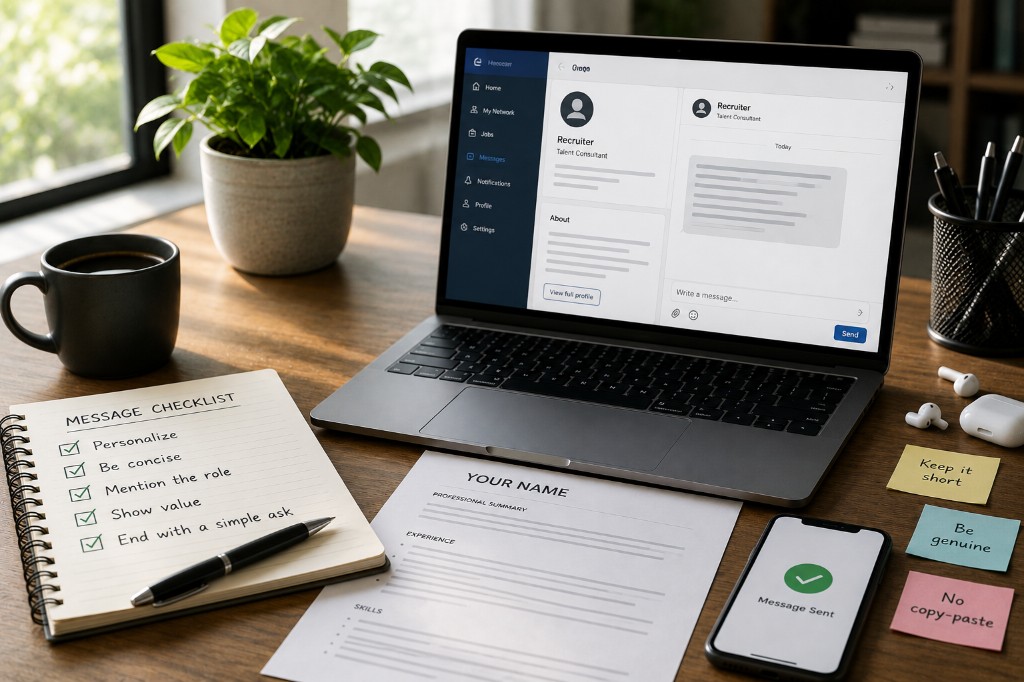
If you can tick these, you've done the hard part. The message itself is short — and that's the next step.
The Bottom Line
Finding the right recruiter isn't about searching harder; it's about searching smarter. Open the company's People tab, try the title words, and run each name through the Right-Recruiter Filter: do they hire for your function, at your level, and are they active now? Do that, and you'll spend your energy on the handful of people who can actually help — instead of wondering why nobody wrote back. Once you've got your shortlist, the next step is writing a short message that gets a reply.