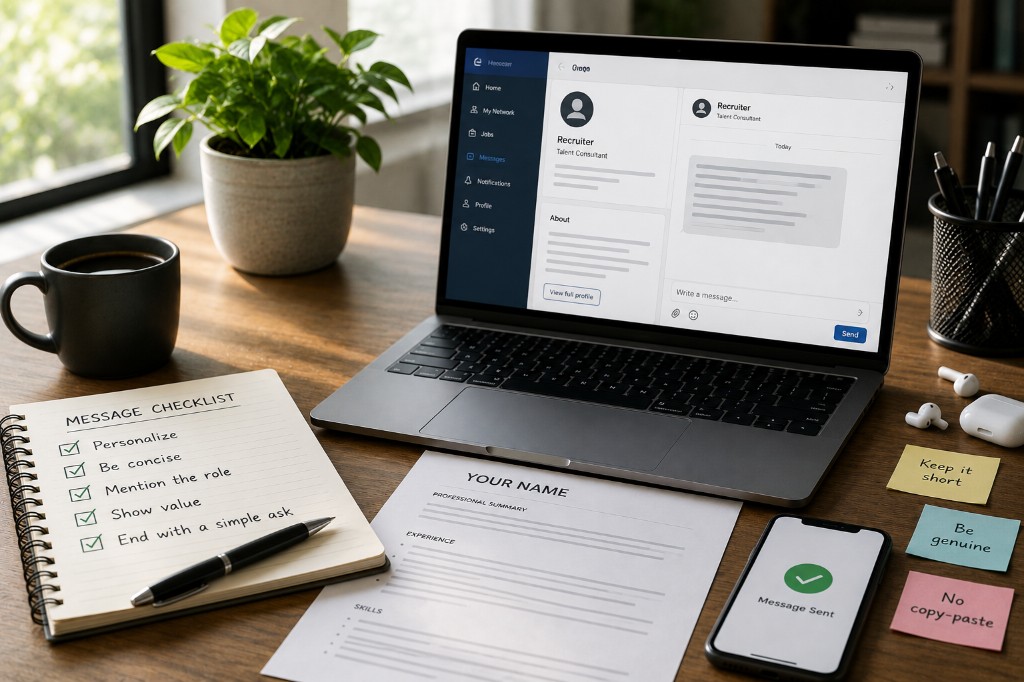
LinkedIn Is Not a Vending Machine: A No-Cringe Guide to Job Referrals
Stop dropping your resume into random inboxes and hoping for a miracle. Learn how internal referral portals actually work, what to give your referrer upfront, and the clear rules to follow so you don't burn bridges.
Why Referrals Beat the Black Hole (And Why Vending Machine Asks Fail)
Applying for jobs online feels like throwing your resume into a black hole. When you apply through public job boards, your resume has to fight past automated Applicant Tracking Systems (ATS) and hundreds of other applicants.
There is a massive shortcut: Internal job referrals. Getting an employee at your target company to submit your resume bypasses the automated screeners and puts you straight in front of the hiring manager. But it's easy to hurt your chances without meaning to when you treat professionals like a resume vending machine.
To get an insider to vouch for you, you need to understand exactly what happens after they agree to help—and how to make their job completely effortless.
The Internal Portal Trap: Why Lazy Asks Fail
Many job seekers think a referral is just an employee emailing a resume to HR. In reality, most medium-to-large companies use internal referral portals with extensive forms. When an employee submits you, they are met with mandatory questions like:
- How do you know this person?
- Tell us more about the candidate's strengths and skills, and what makes them a good fit for this role.
If you are a total stranger who sent a cold message, the employee has no idea how to answer this. If they check the box for "I don't know this person/Internet stranger," the referral loses all its weight, and HR will likely reject it anyway.
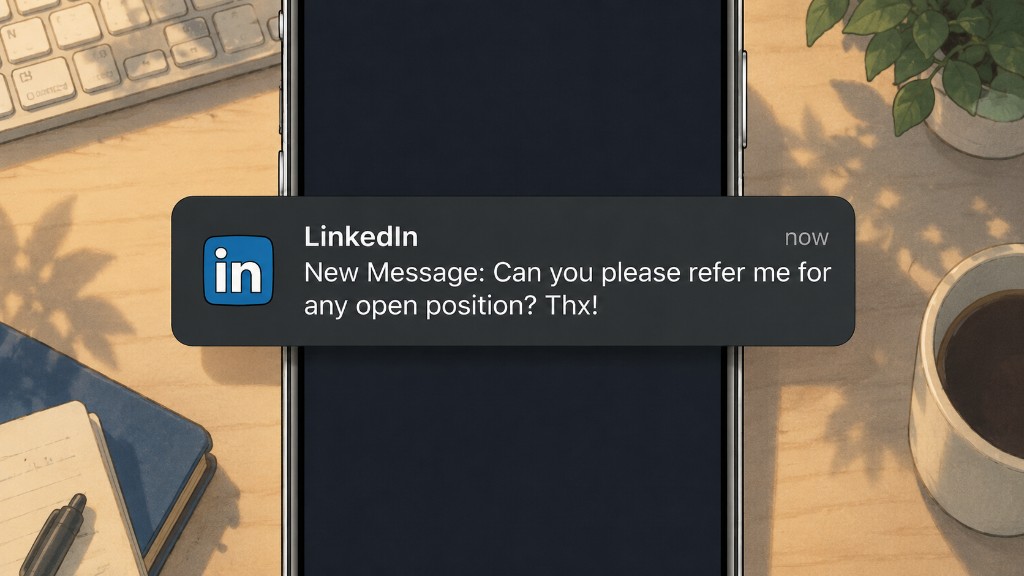
Nothing annoys an employee more than a message saying "Hey, can you refer me?" without a specific job link or context. They want to help, but they are not going to spend 20 minutes digging through their own company's career page to find a role that fits you. Respect their time.
Step 1: Target the Right Person (And Prove You Exist)
Because portals ask "How do you know this person?", targeting someone who has actually seen your work or interacted with you is vital. If you are reaching out to a new contact on LinkedIn:
- Build context first: Do not ask for the referral on message number one. Ask a highly specific question about a project they built or an engineering blog post their team published.
- Show, don't tell: Share a link to a portfolio piece, a GitHub repo, or a live tool you built. Give them a reason to genuinely say, "I've looked at their independent work, and they know their stuff."
Step 2: Deliver the Zero-Friction Referral Package
When an insider agrees to refer you, do not make them request basic details. Send them a single message containing the Zero-Friction Package. This allows them to fill out that tedious HR form in under 60 seconds by copy-pasting your text.
-
The Exact Job Details
- Provide the direct URL of the open position from their company's official career page.
- Include the specific Job ID (if applicable).
-
An Optimized, Single-Page Resume
- Never let your resume spill onto page two if you are a beginner. Ensure it explicitly contains the following at the very top:
- First name & Last name
- Email address & Phone number
- LinkedIn profile URL
- Relevant links (GitHub, portfolio site)
-
Pre-Written Portal Answers (The Magic Script)
- Write the paragraph for them in the third person so they can drop it straight into the "Candidate Strengths/Why are they a good fit?" box.
Copy-Paste Template to Send Your Referrer:
"To save you some time with the internal form, here is a quick blurb you can copy-paste for the candidate strengths section: '[Your Name] is an entry-level professional with a strong practical foundation in [Key Skill 1] and [Key Skill 2]. They have demonstrated their capabilities by building [mention a specific project or achievement], and their technical background aligns tightly with the core requirements of the [Job Title] role. I believe they would be a high-execution addition to the team.'"
Step 3: The One-at-a-Time Rule (Don't Company-Blast)
A common mistake is sending referral requests to 5 or 10 different people at the exact same company simultaneously.
Why this backfires: If Employee A and Employee B both go into the internal portal to submit your resume, the automated system flags it as a duplicate. Now, both employees realize you were spamming the company. It creates an incredibly bad impression, makes you look disorganized, and instantly burns two professional bridges at once.
The 4-Day Window
Treat networking like a sequential queue:
- Pick your best target: Find the person at the company who is closest to your target role or went to your university.
- Reach out to them exclusively.
- Wait 4 business days. If they ghost you or politely decline, only then do you move on to the next person at that company.
- Never have two active referral conversations running at the exact same company at the same time.
Summary Checklist Before You Send
- Did I find a specific open role and copy the exact URL?
- Is my resume strictly one page with my phone, email, and LinkedIn clearly visible?
- Did I provide a pre-written, third-person paragraph about my strengths to save my referrer time?
- Am I messaging only one person at this company right now?
The Bottom Line
Employees actually want to refer you—they get paid internal bonuses if you land the job. But they won't do your homework for you. Make your package professional, keep it frictionless, respect their company boundaries, and let them help you skip the line.